Connect what you already use.
Link your POS, website, locations, and other restaurant systems without rebuilding the operation around COSMIC.
COSMIC gives the information and workflows around your existing systems one connected place to live.
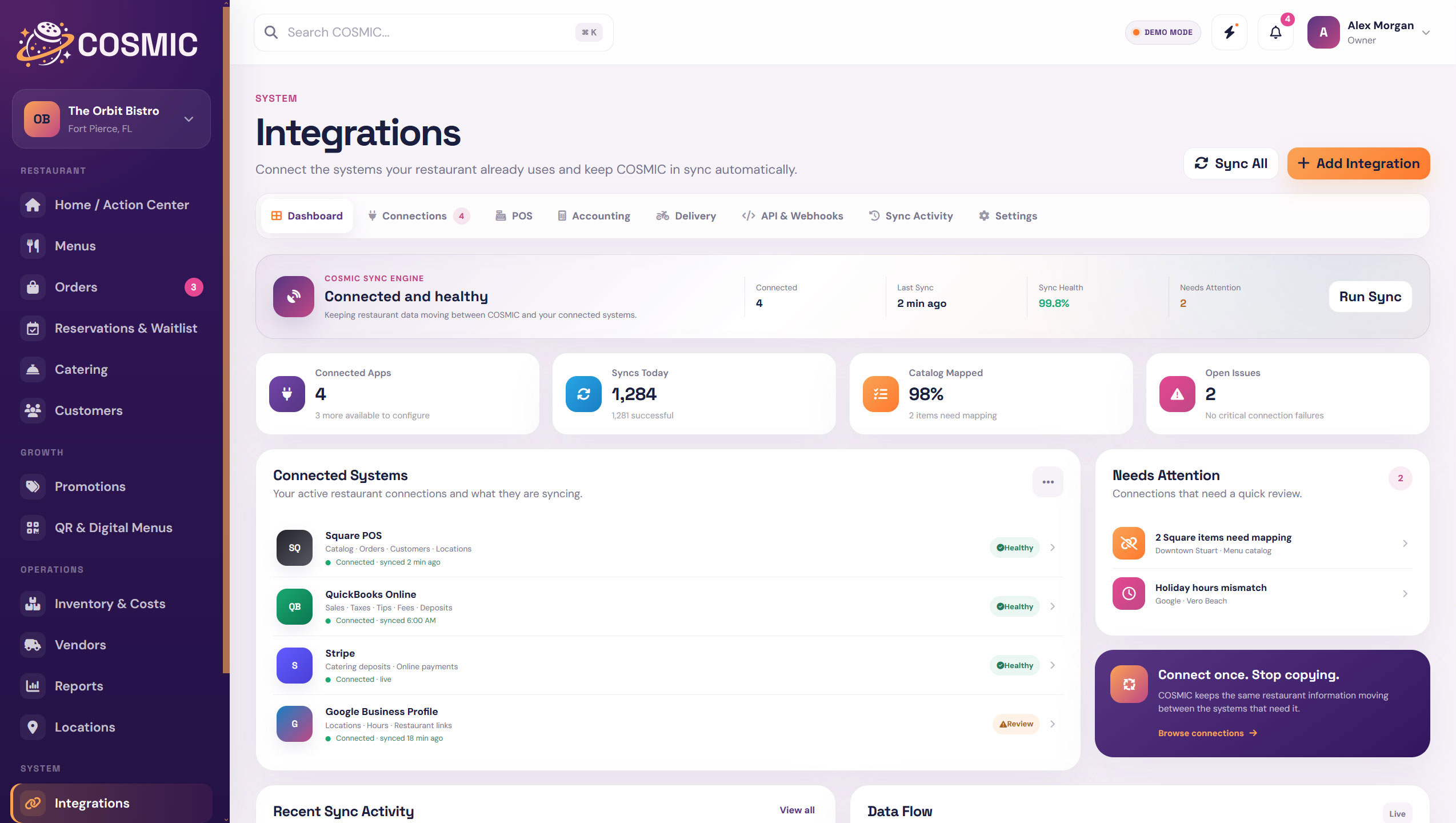
COSMIC does not need to replace every tool in the restaurant. It creates the connected layer that helps those tools and the work around them make more sense together.
Link your POS, website, locations, and other restaurant systems without rebuilding the operation around COSMIC.
COSMIC organizes menus, guests, reservations, costs, vendors, locations, and the workflows around them in one restaurant layer.
Update the information COSMIC owns, act on what needs attention, and give each team member access to the tools they actually need.
Use the same restaurant data across websites, QR menus, PDFs, locations, reporting, and supported POS connections.
COSMIC becomes the organized source for the information it manages while connected systems continue doing the jobs they already do well.
That means less duplicate editing, clearer ownership, and a much better view of what is connected and what needs attention.

Connect supported POS systems, websites, and other services. COSMIC keeps those connections visible so you can see sync status, mappings, and anything that needs attention.
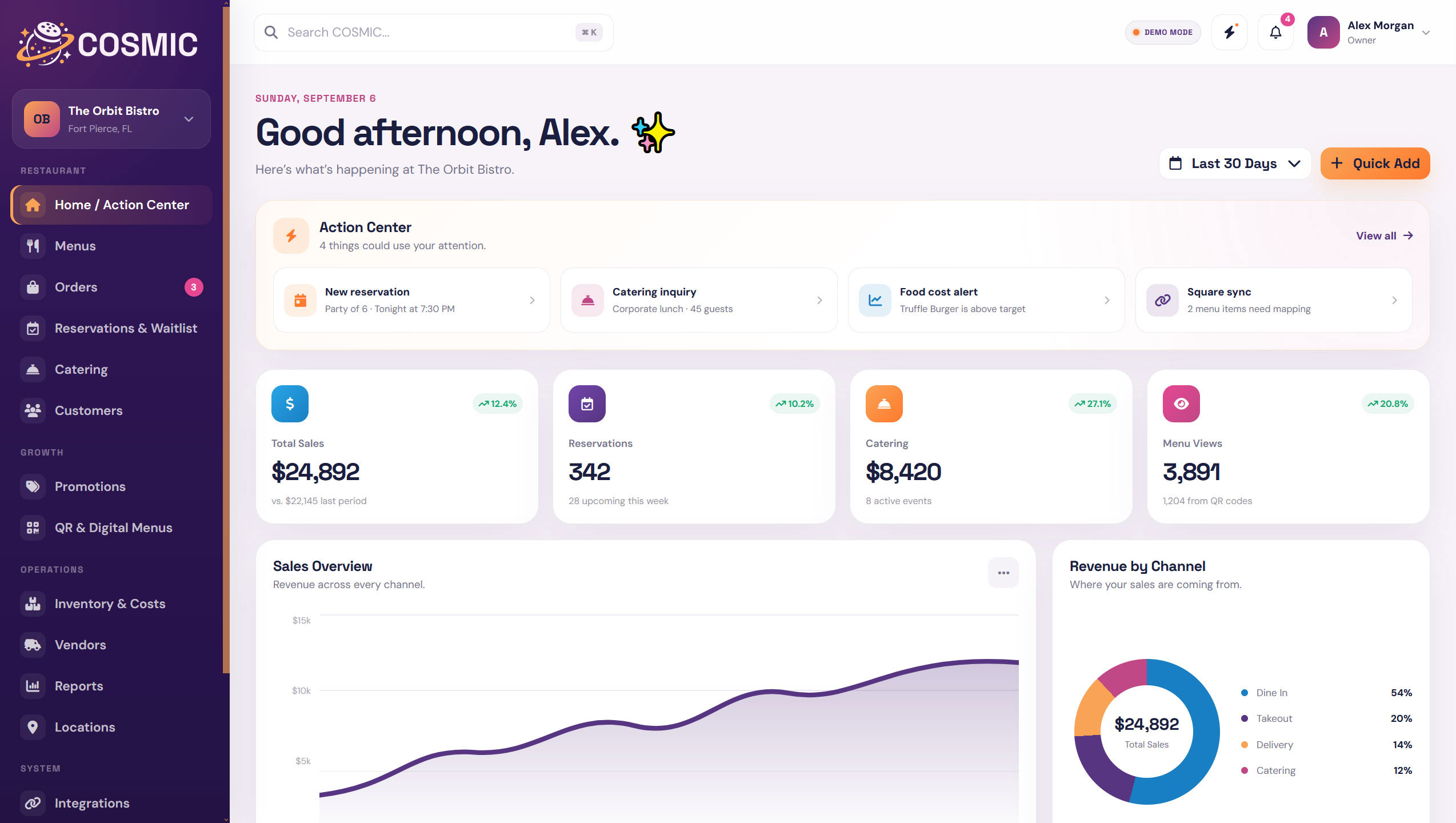
Menus, reservations, catering, customers, inventory, vendors, reports, locations, and team access stay close enough to work together instead of becoming separate islands.
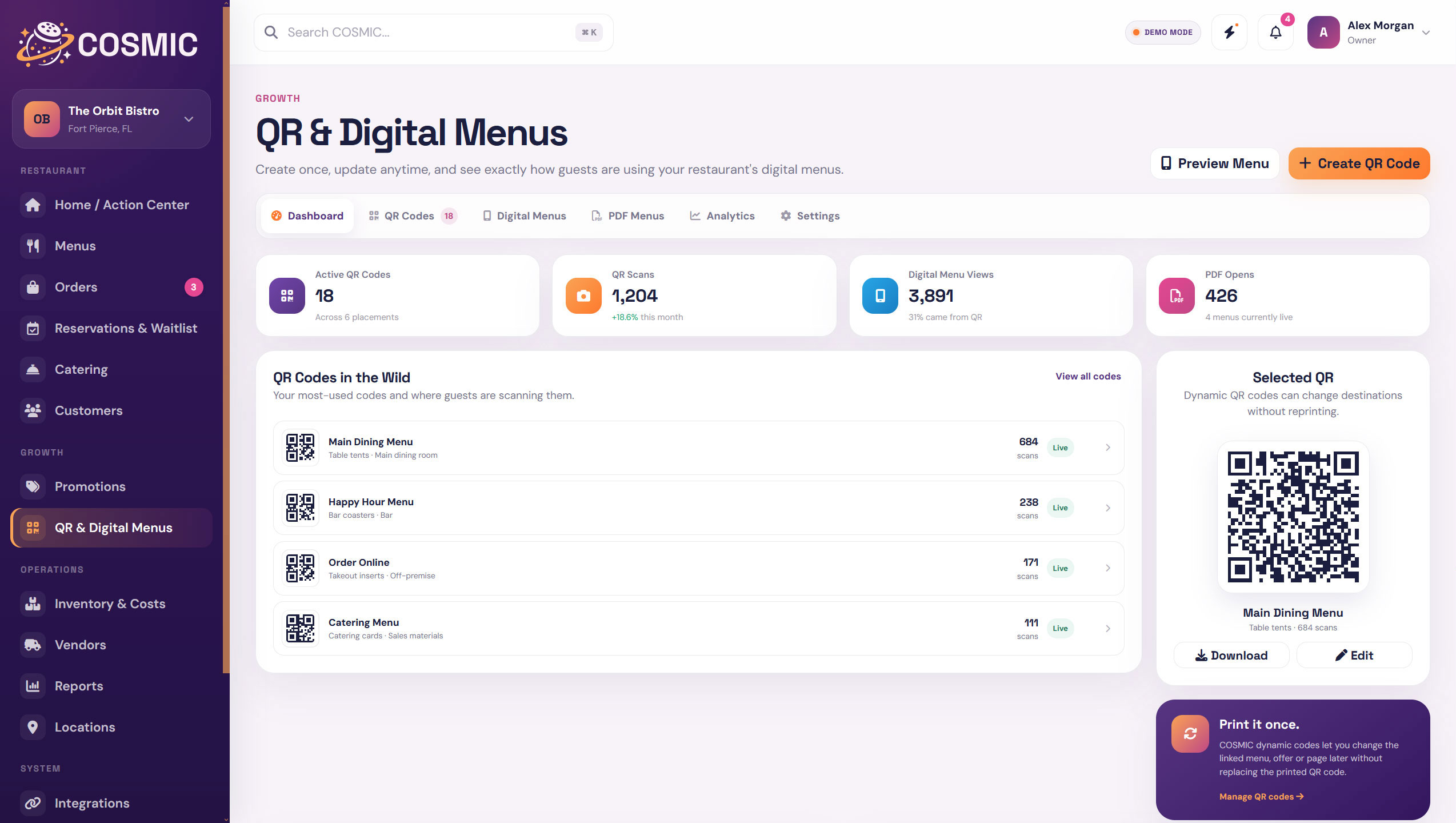
A menu update can flow into connected digital experiences without maintaining separate copies. The same idea applies to locations, hours, featured items, QR menus, and reporting.
The point is not to replace good tools. The point is to make the restaurant around them easier to manage.
Keeps doing the job it is built for, including transactions, sales, and supported catalog data.
Keeps serving guests while COSMIC can supply connected restaurant information and interactive experiences.
Organizes the shared restaurant data, workflows, publishing controls, alerts, mappings, and operational context around those systems.
Stays in control of what connects, what publishes, who gets access, and which parts of COSMIC the operation uses.
Start with the parts of the restaurant that need the most help, then connect more of COSMIC as the operation grows.
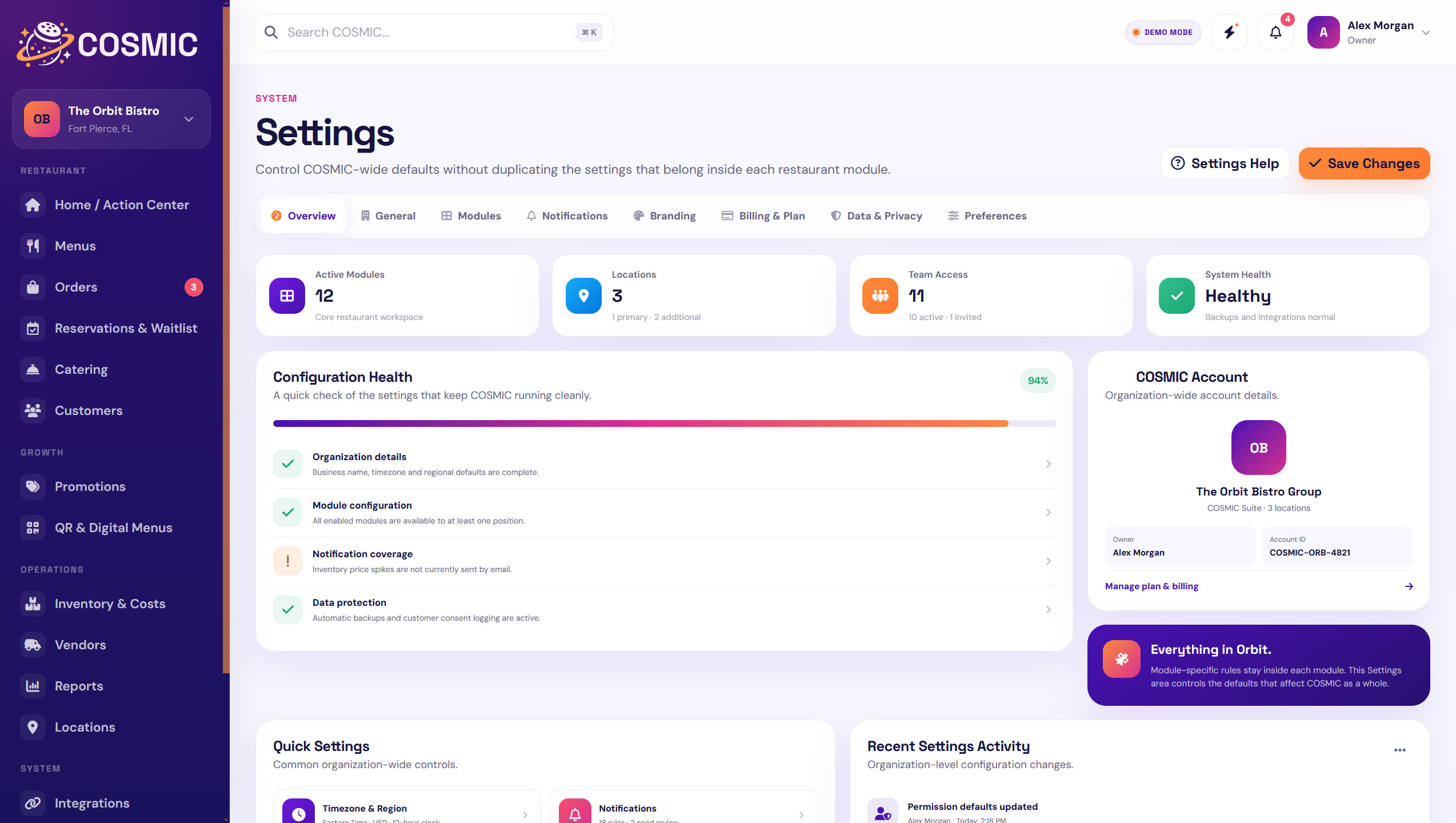 Everything in Orbit.
COSMIC gives the work around your POS, website, menu, guests, costs, and locations one organized place to land.