Item Mapping
Map COSMIC menu items to POS records and quickly see what still needs attention.
COSMIC connects menu, mapping, sync, and restaurant workflows around the POS you already use so your team does not have to rebuild the business around new software.
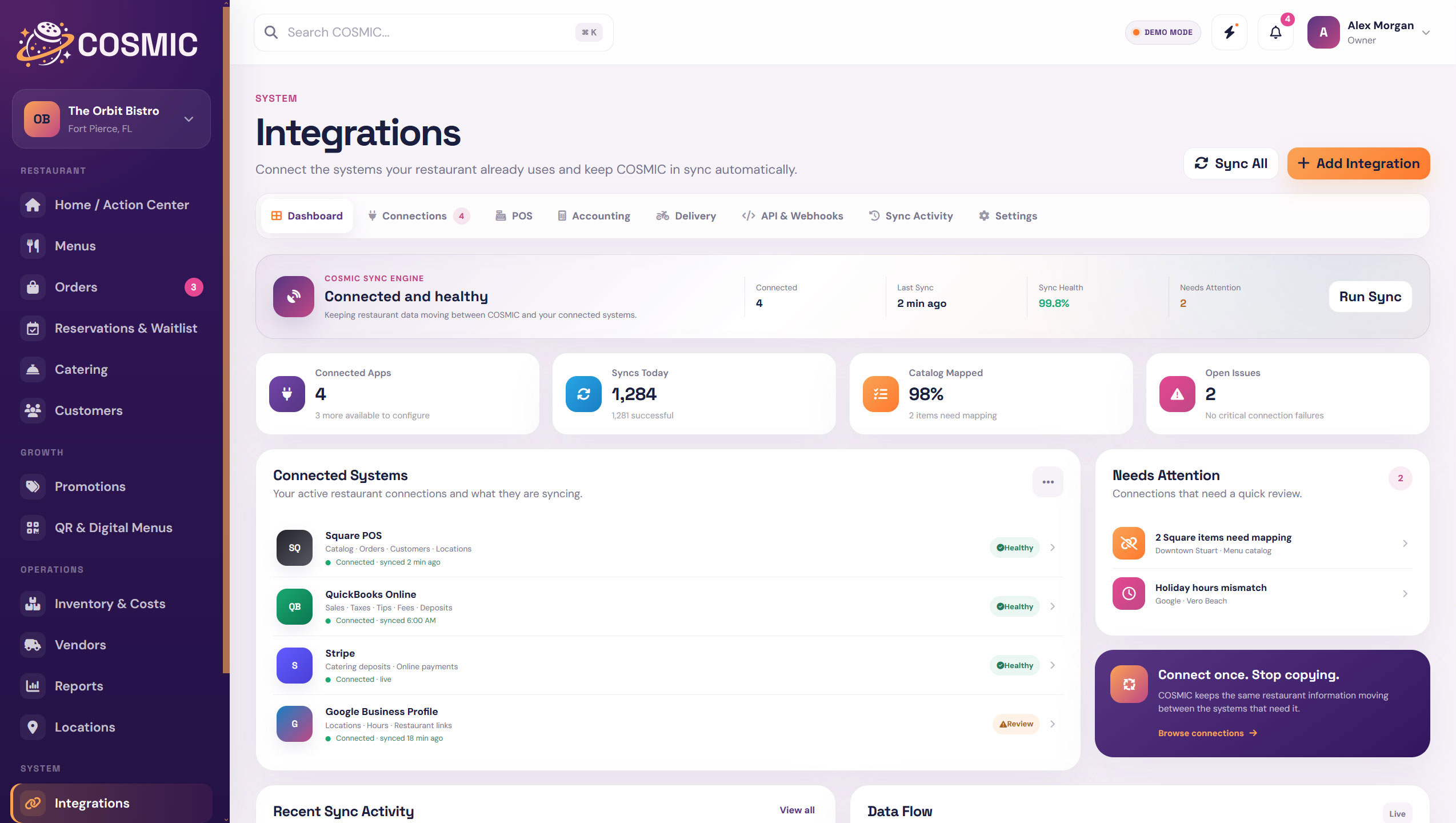
COSMIC is designed to work around the systems restaurants already have. Connect the POS where it matters, then keep the website, menu, QR tools, reporting, and operations moving around it.
Map COSMIC menu items to POS records and quickly see what still needs attention.
Keep sync status, recent activity, and connection issues visible instead of hidden in the background.
Keep POS-controlled menu details connected while preserving website and COSMIC-specific content.
Connect the right POS location to the right restaurant location inside COSMIC.
See what is connected, what needs authorization, and what requires attention.
Support deeper custom connections and event-driven workflows where they make sense.
Use connected order and sales information where it adds useful restaurant context.
Keep integration credentials and settings in a dedicated system area with appropriate access.
COSMIC gives integrations a clear home with connection status, mapping, sync activity, and settings available from one system area.
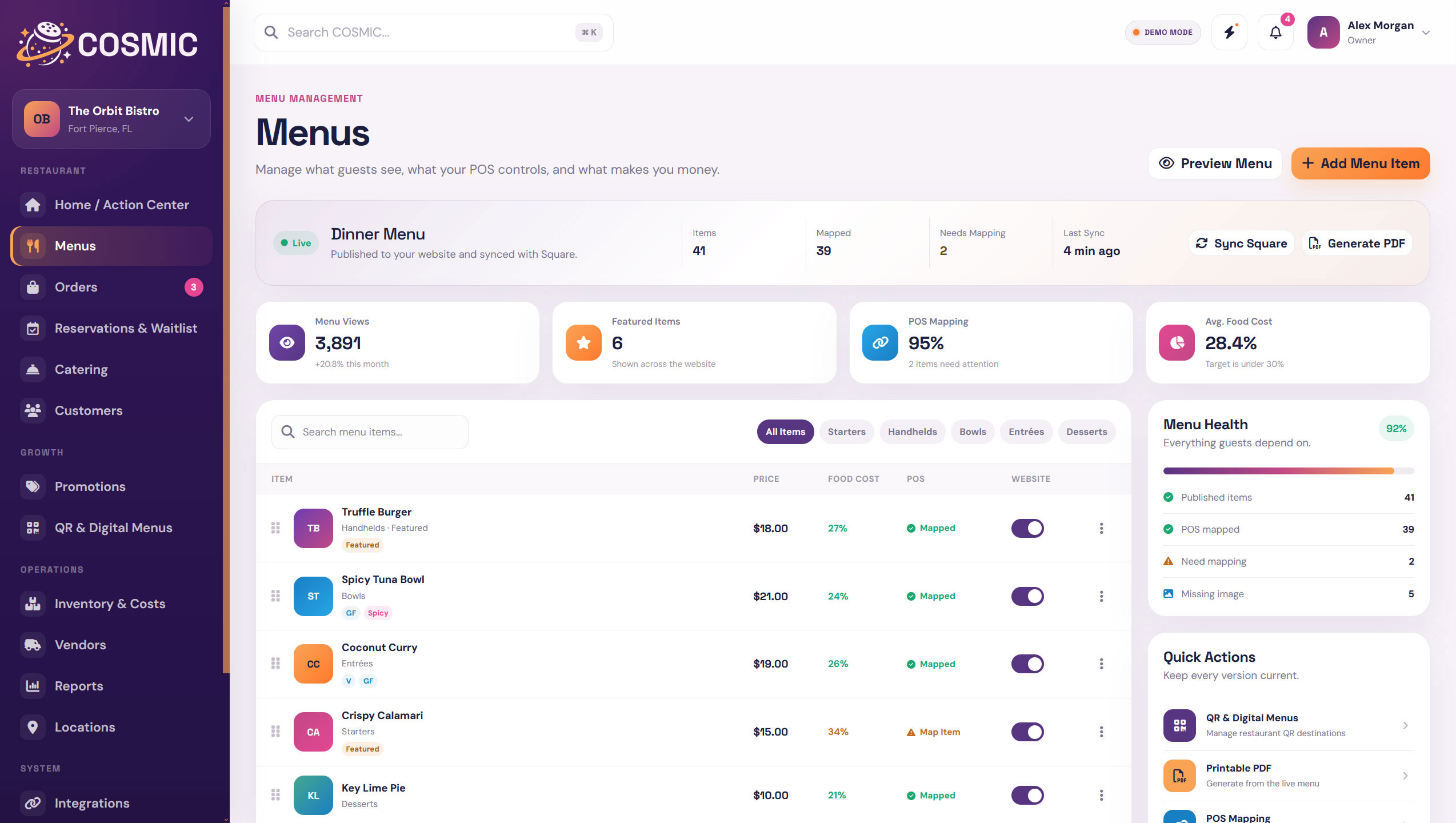
POS fields can stay synced while COSMIC preserves the website-specific and operational information your POS was never designed to manage.
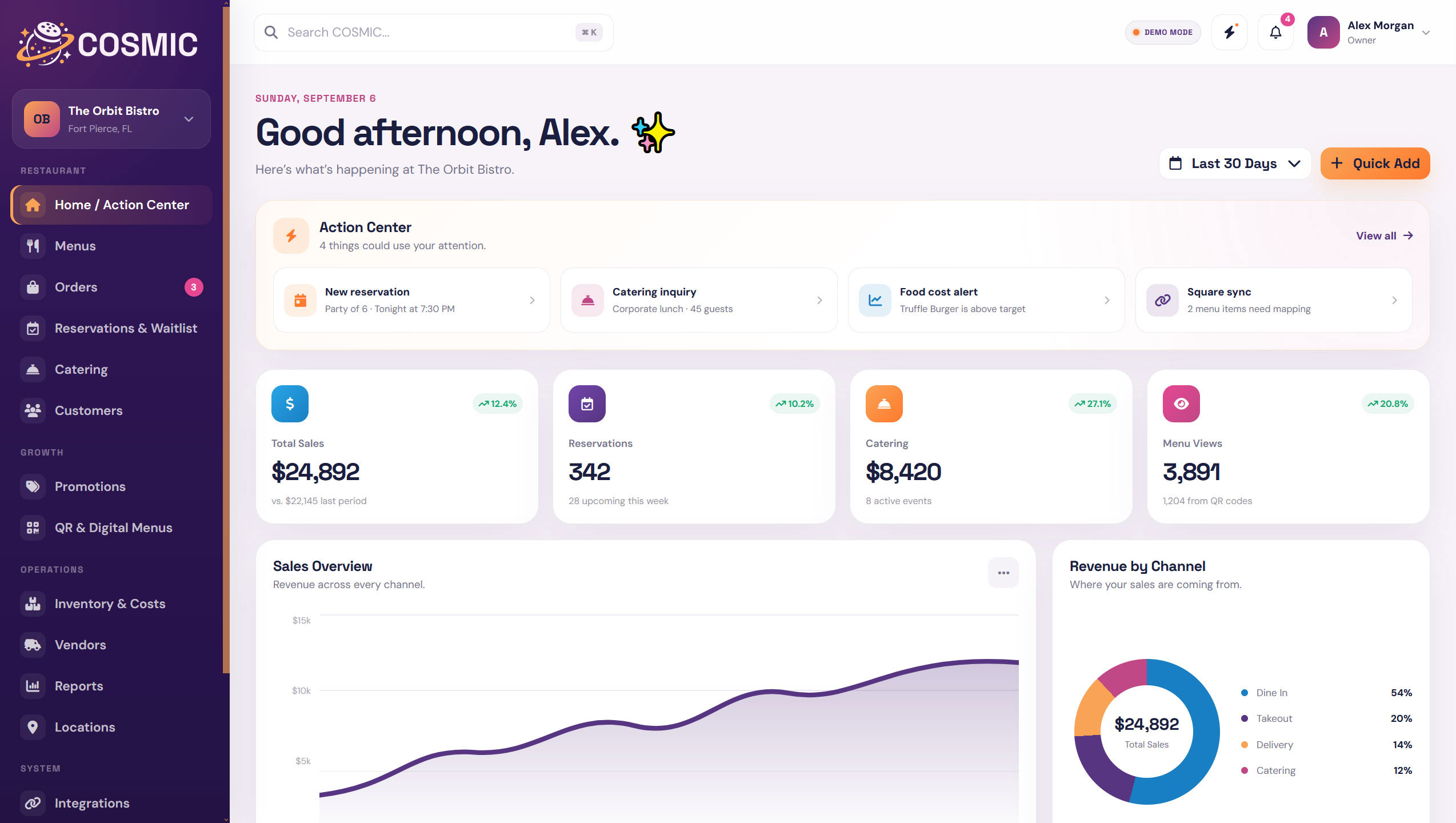
The goal is not to replace every tool. It is to give the restaurant a cleaner layer between the tools that already matter.
COSMIC keeps the rest of the restaurant from being forced into the limitations of one vendor or one system.
Keep the transactional system your restaurant already relies on.
Publish guest-facing restaurant information through connected website experiences.
Keep digital menu and QR experiences tied to current restaurant data.
Use connected information to create a clearer operational picture.
COSMIC surfaces the mapping and sync issues that are easy to miss when integrations run quietly in the background.
Know whether the integration is authorized and active.
Spot menu items that still need POS mapping.
See when connected data last moved successfully.
Surface problems that require action from the restaurant or connection.
 Everything in Orbit.
Use COSMIC as the operational layer that keeps your menu, website, QR tools, locations, and reporting better connected.