Sales
Track sales performance, trends, and channel mix with a clearer view of restaurant activity.
Bring sales, menu, customer, catering, cost, QR, and location performance into clear restaurant reports built around the decisions you actually need to make.
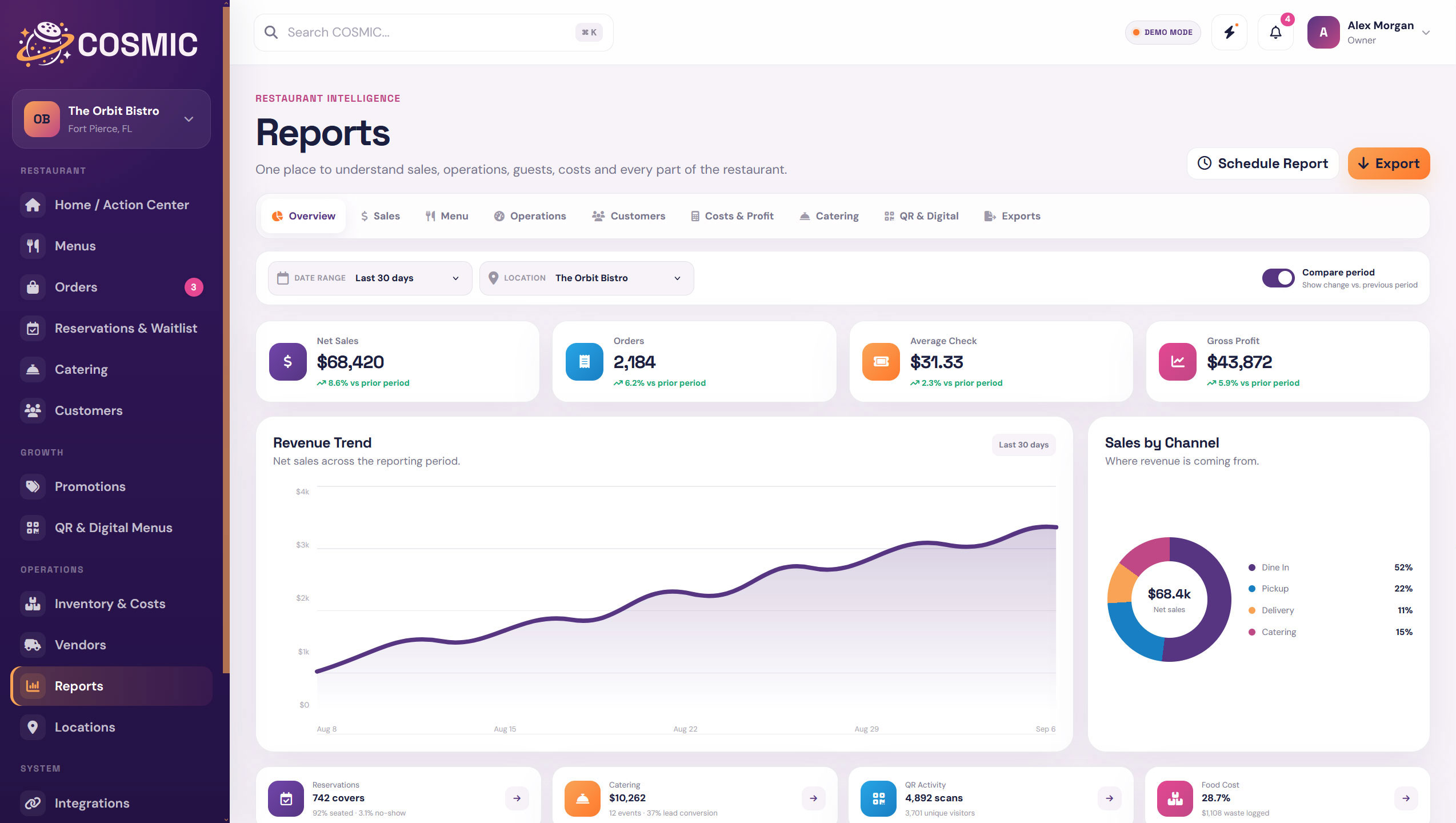
COSMIC keeps reporting close to the workflows creating the data so owners and managers can move from what happened to what needs attention next.
Track sales performance, trends, and channel mix with a clearer view of restaurant activity.
See menu views, item performance, featured activity, and menu health context.
Bring useful operational signals together instead of checking each module separately.
Understand guest activity, repeat behavior, and customer trends from connected records.
Keep food cost, waste, recipe cost, and margin context visible beside performance.
Track catering revenue, event volume, pipeline activity, and client history.
See scans, menu views, and digital menu activity in the same reporting environment.
Export the data you need when a spreadsheet, accountant, or outside workflow still calls for it.
COSMIC gives owners and managers a broader performance view without forcing every question into a separate reporting tool.
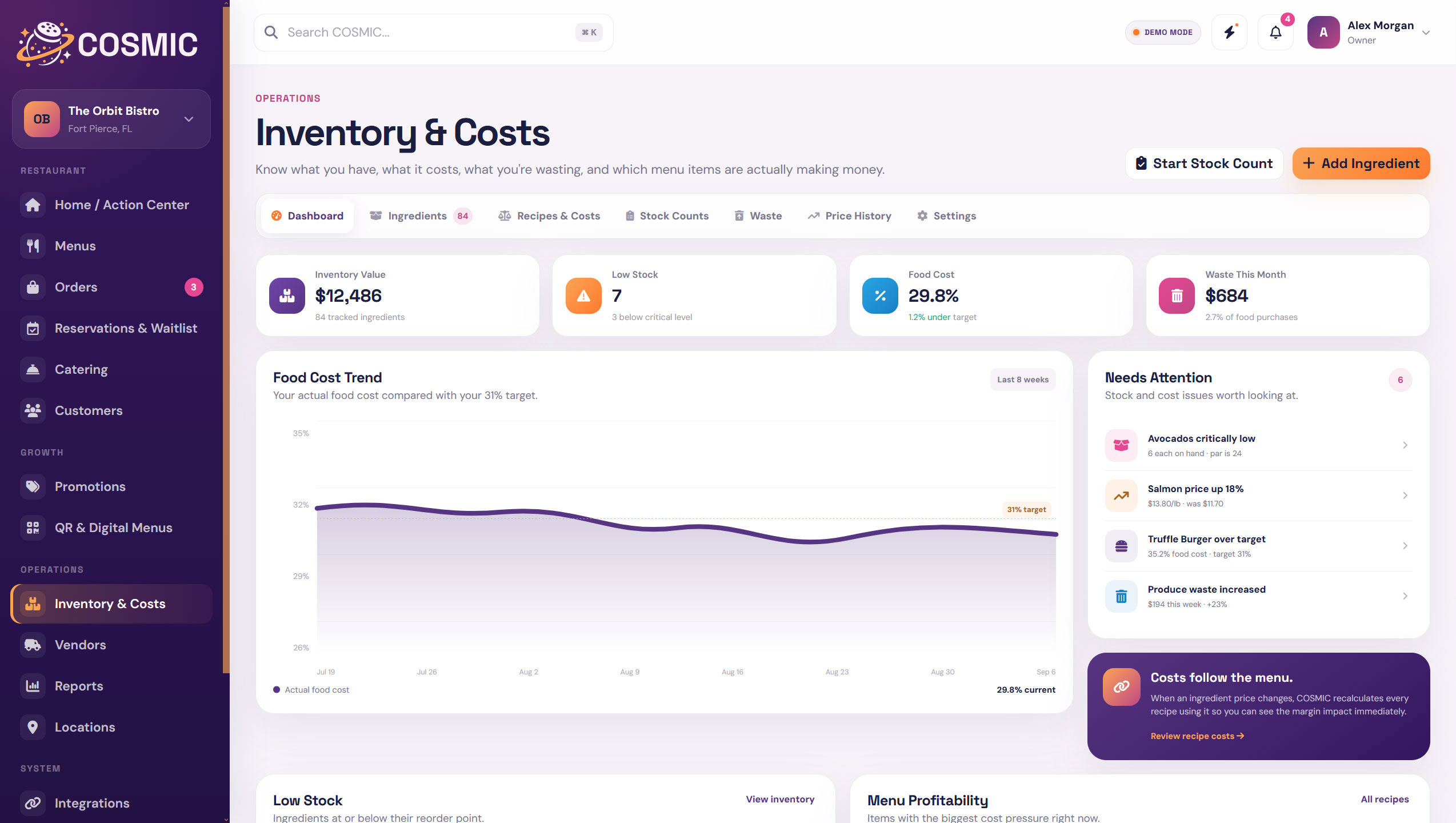
Reporting becomes more useful when menu performance can sit beside food cost, recipe, inventory, and waste information.
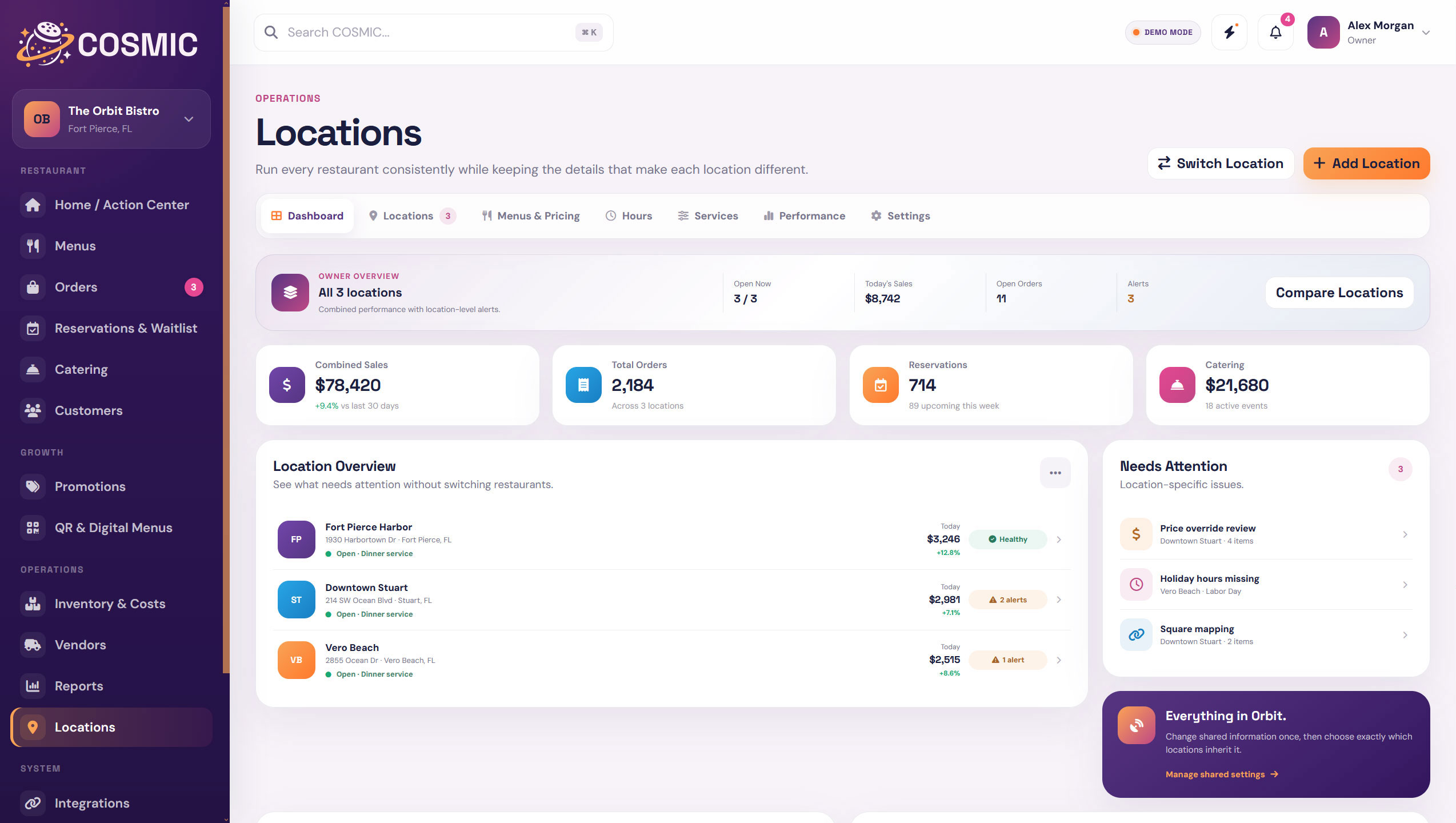
Multi-location reporting can show the group picture while still letting you understand what is happening at each restaurant.
COSMIC reporting is designed around the restaurant workflows already happening inside the platform.
Bring revenue and channel activity into the larger restaurant picture.
See how guest-facing menu activity connects to performance.
Keep ingredient, recipe, inventory, and waste context nearby.
Roll up multiple restaurants without flattening the local differences.
Good reporting should help you find the next question quickly instead of burying the restaurant in charts.
Spot movement over time instead of reacting to one isolated number.
Surface cost, inventory, or performance signals worth reviewing.
Understand whether a change is local or group-wide.
Move selected data into outside workflows when you need to.
 Everything in Orbit.
See sales, costs, menus, customers, catering, QR activity, and locations in one reporting layer.