QR Code Library
Keep current QR codes organized with names, destinations, locations, and status.
Build, manage, and track restaurant QR codes for menus, locations, promotions, and other guest destinations without losing control of where they point.
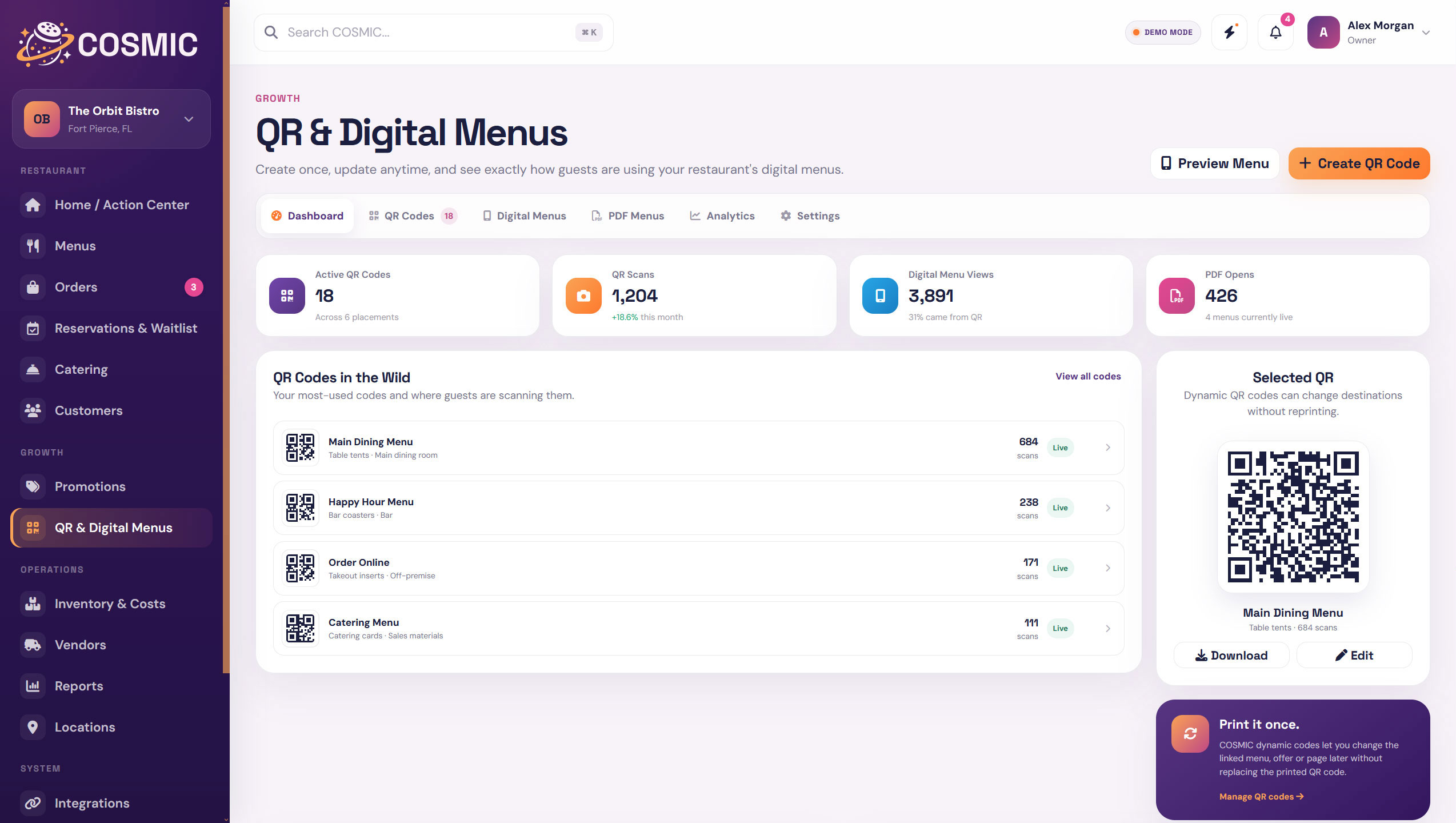
COSMIC treats QR codes as part of the restaurant system, not disposable graphics. Create destinations, organize codes by location, and see how guests are using them.
Keep current QR codes organized with names, destinations, locations, and status.
Send guests to live menu experiences that use the same menu data your team already manages.
Change where a code points without creating a completely new workflow every time.
Create location-specific codes for menus, offers, service areas, or restaurant information.
See QR activity and menu views so you know which codes guests are actually using.
Connect QR destinations to printable or downloadable menu versions when that format makes sense.
Use QR codes for specials, offers, events, and campaigns without mixing them into your menu workflow.
Keep code behavior and destination settings organized in one place.
A restaurant can collect QR codes quickly. COSMIC gives you one place to see the active codes, their destinations, and the restaurant location they belong to.
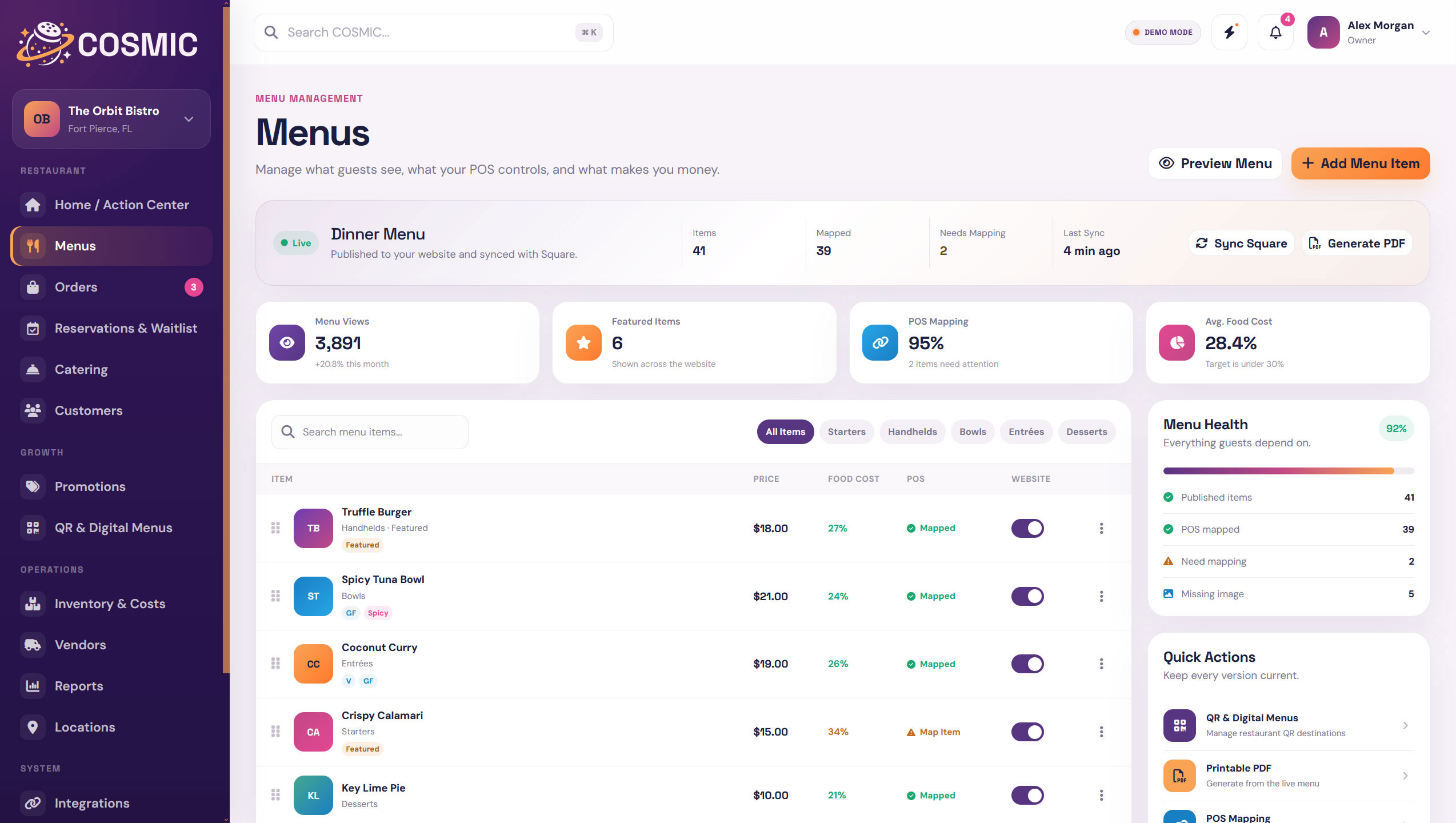
When the destination is a COSMIC digital menu, your team does not need to rebuild the guest experience every time an item, price, or availability setting changes.
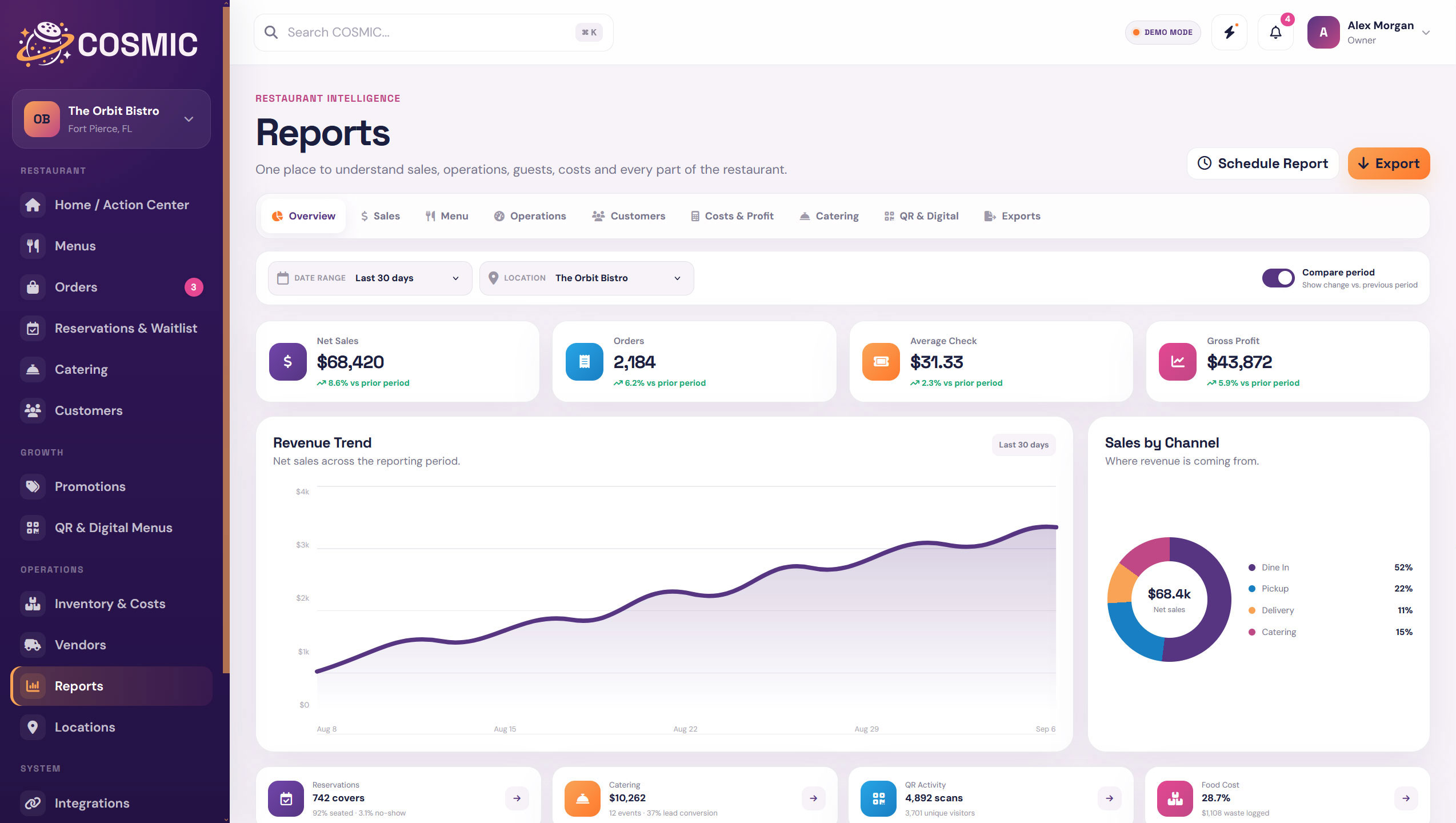
QR activity becomes more useful when it sits beside menu views, locations, and reporting instead of disappearing into a generic code generator.
COSMIC gives restaurants a flexible QR layer for menus, promotions, location-specific information, and other guest experiences.
Send guests to a current digital menu.
Link table tents or signage to current offers and specials.
Use different destinations for different restaurants or service areas.
Point guests to printable or downloadable menu versions when needed.
A QR code only works when the destination behind it is current. COSMIC keeps the code and the destination close enough to monitor.
See which QR codes are currently in use.
Keep the current destination visible and manageable.
Track activity instead of guessing whether the code is useful.
Know which restaurant or placement a code belongs to.
 Everything in Orbit.
Create, organize, update, and track restaurant QR experiences from one place.